
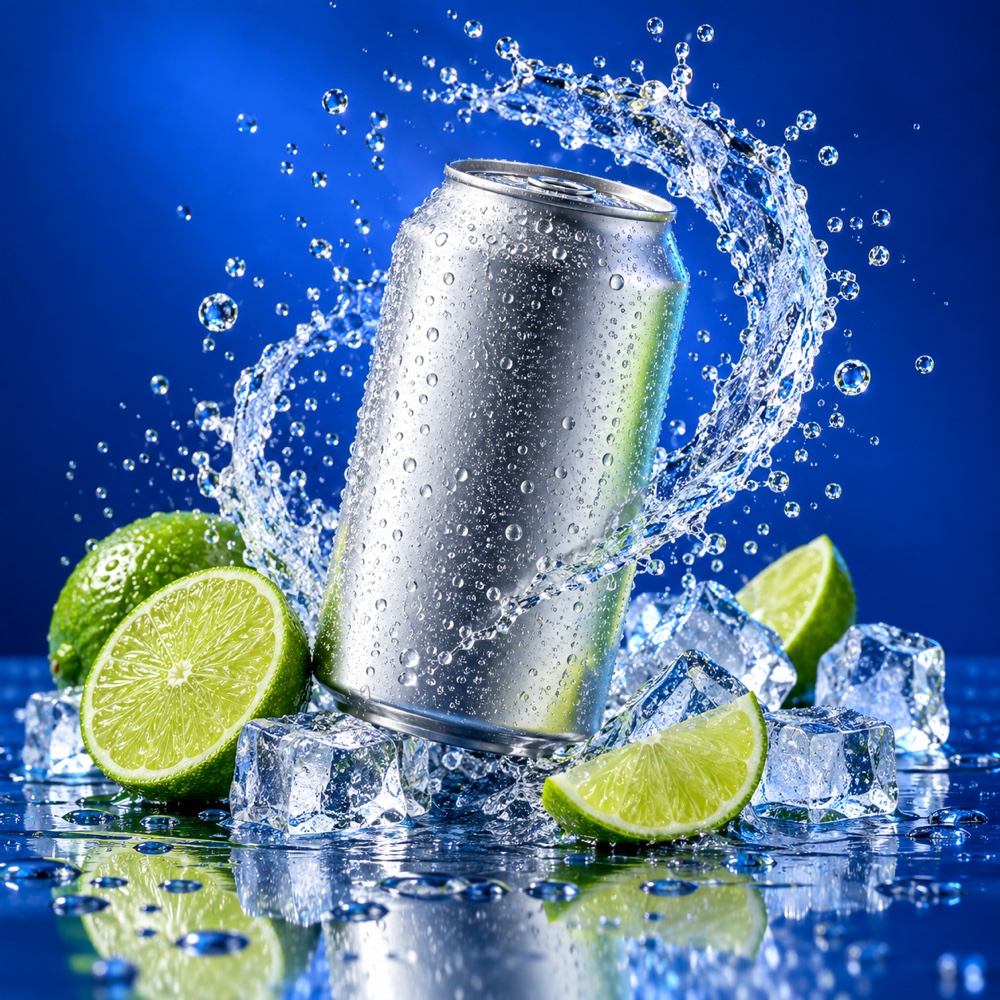
 Product
A premium citrus soda can product photo with lime slices, ice, frozen water splash, and electric cobalt-blue studio lighting
Image 2.5 AI · Flare & Sunburst · 1K/2K/4K
Create polished product photos, posters, ads, and precise edits from a prompt or reference image—with readable text and up to 4K output.
Image25 AI is an independent product and is not affiliated with or endorsed by any model provider.
Checking generation access…
Free generations support prompts up to 2,000 characters.
Prompts are screened before generation. Do not request NSFW, harmful, deepfake, or infringing content. Read the Acceptable Use Policy
146 / 2,000
Examples only — they are not generated from your prompt.

Start with a prompt
ProductA premium citrus soda can product photo with lime slices, ice, frozen water splash, and electric cobalt-blue studio lighting
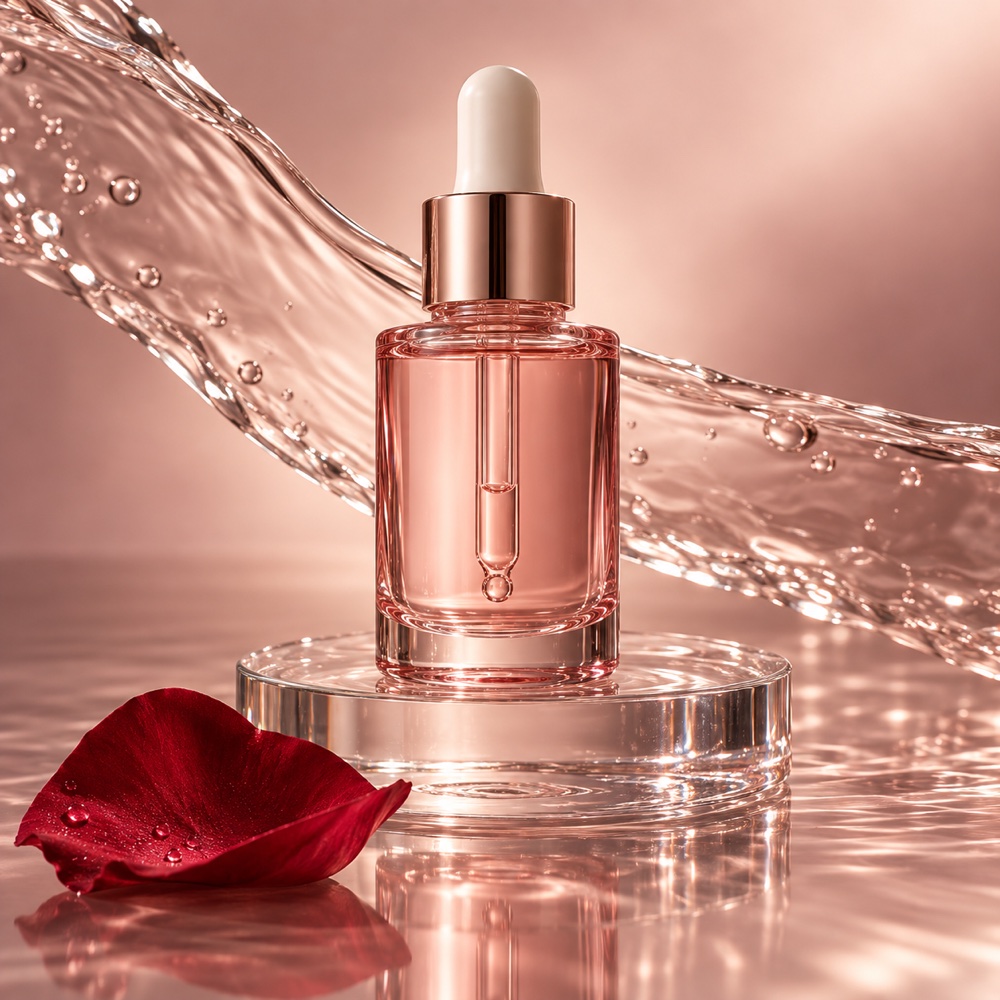
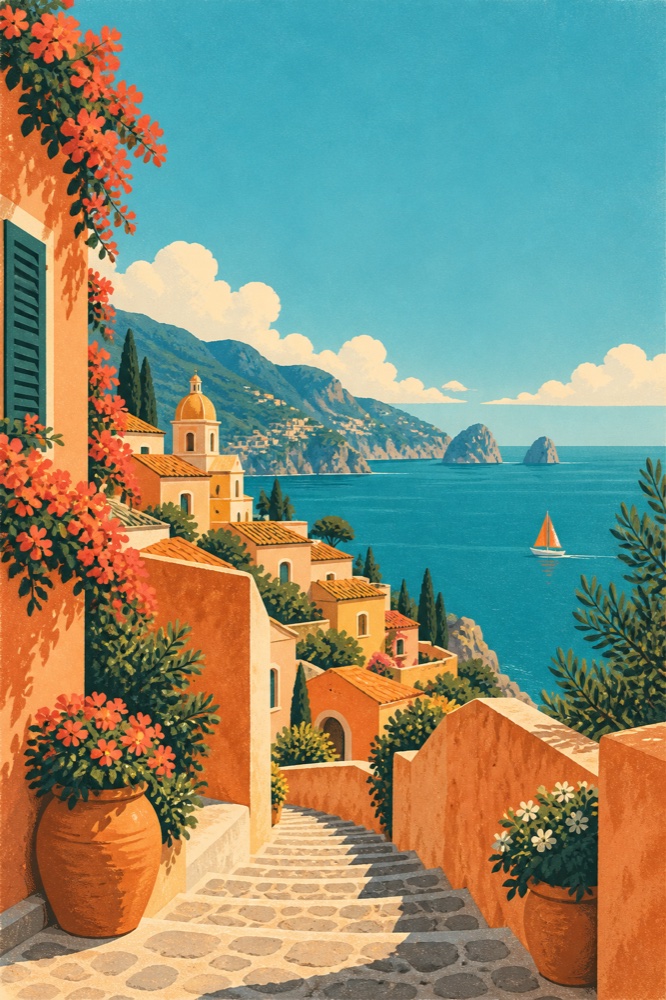
PosterA sunlit illustrated coastal travel poster with terracotta buildings, turquoise sea, orange sailboat, and a bold editorial composition
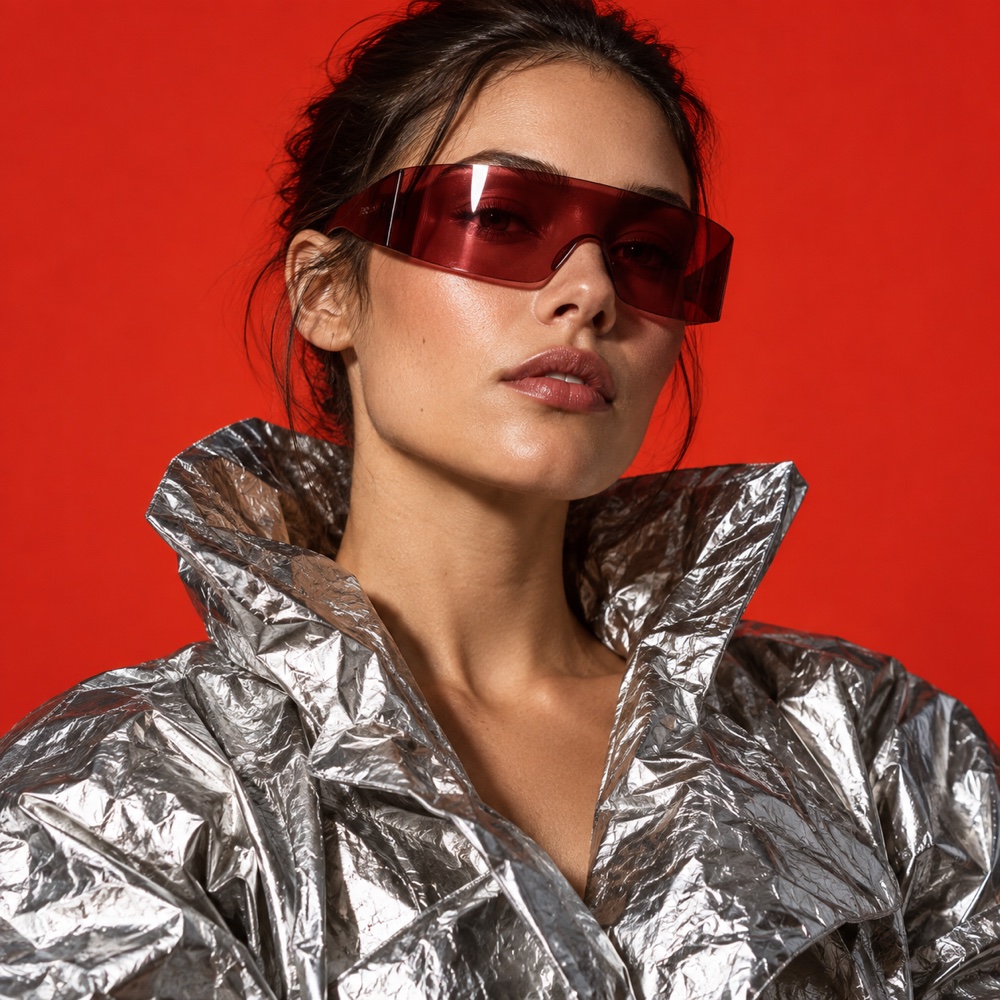
PortraitA studio fashion portrait with a sculptural silver jacket, burgundy visor sunglasses, vermilion background, and realistic fabric highlights
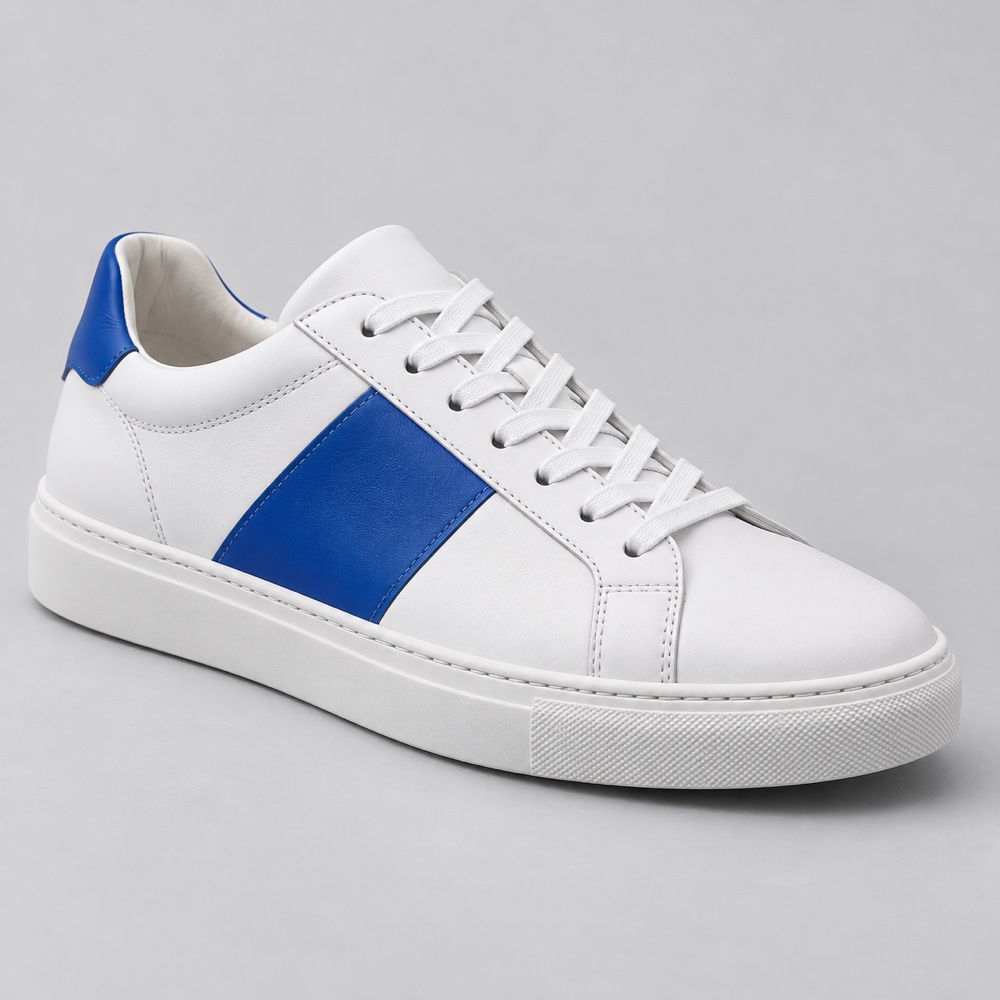
E-commerceA clean ecommerce product photo of a premium white leather sneaker with a cobalt-blue side panel, soft shadow, and catalog lighting
EditorialA luxury rose serum product photo with translucent pink glass, a clear pedestal, flowing water, and a deep-red rose petal
CampaignA futuristic chrome wireless headphone product campaign with cyan rim light, black reflective pedestal, and deep charcoal background
Sharp text that stays readable
Edit one thing, preserve the rest
Up to 2 reference images
Flare for speed, Sunburst for precision
Model guide
Flare is fast for drafts and variants. Sunburst is precise for text and reference-guided edits.
| Aspect | Flare · GPT Image 2.5 | Sunburst · GPT Image 2.5 |
|---|---|---|
| Speed | Fast, everyday drafts | Slower, precise pass |
| On-image text | Short headlines at 1K–2K | Dense type at 2K–4K |
| Reference editing | Light reference use | Up to 2 refs, guided edits |
| Resolution | 1K–2K recommended | 2K–4K for finals |
| Credits from | From 3 credits | From 5 credits |
| Best for | Exploring directions & variants | Finals with text & detail |
Credits per successful attempt, by model and resolution. References add no extra cost; failed jobs refund automatically.
Read the full comparisonPay for what you use. Failed generations are automatically refunded.
Per-image credits at a glance
Flare · GPT Image 2.5
1K · 3 / 2K · 5 / 4K · 10
Sunburst · GPT Image 2.5
1K · 5 / 2K · 10 / 4K · 20
Per successful attempt. References add no extra cost. Failed jobs refund credits automatically.
Starter
$12/mo → $8/mo
For occasional creators
Yearly billing · Cancel anytime
Estimated generations
~780 credits / month
Approximate images by model and quality
Creator
Popular$29/mo → $21/mo
For regular creators
Yearly billing · Cancel anytime
Estimated generations
~1,950 credits / month
Approximate images by model and quality
Pro
$59/mo → $42/mo
For power users and teams
Yearly billing · Cancel anytime
Estimated generations
~4,550 credits / month
Approximate images by model and quality
Prices in USD. Subscriptions renew automatically until canceled; cancel anytime from Billing. By purchasing, you agree to our Terms of Service and Refund Policy.
Image 2.5 AI
Image25 AI is an independent Image 2.5 AI generator and editor for practical image work. Start from a prompt, choose Flare or Sunburst, add up to two references when needed, and download a 1K, 2K, or 4K result.
Creators use Image 2.5 AI for product photography, posters with readable type, campaign variants, ecommerce scenes, and precise local edits. A typical session starts with several fast drafts, narrows to one or two directions, then finishes with a higher-resolution pass for the final frame. Guests and free accounts can use a limited FLUX Schnell quota to explore the workflow; Flare and Sunburst require paid access.
This guide is written for marketers, sellers, designers, and indie makers who need usable images rather than model theory. Every section below maps to a decision you make in the generator: which Image 2.5 model to pick, which resolution to pay for, how to structure a prompt so it can be revised, what to do when text or composition breaks, and how to check an image before publishing. Read it once end to end, then reuse the checklists as a working reference.
4
Image 2.5 AI use cases for product photos, posters, and ads
2
Flare vs Sunburst in one sentence
2
Two references are enough when each has a job
01 / WORKFLOWS
Choose a starting point, then refine the result in the generator.
Start at 1K for quick drafts and change one prompt detail at a time.
Use 2K or 4K, quote the exact wording, and check spelling at final size.
Upload up to 2 references and state what must stay unchanged.
Move to 4K only after composition and wording are approved.
02 / PROCESS
Describe the subject, setting, lighting, and any on-image text in plain language.
Choose Flare or Sunburst and a resolution (1K, 2K, or 4K).
Generate, review, and iterate. Change one detail at a time until the result is ready.
03 / PROMPT
Keep the order consistent so each retry changes one variable instead of rewriting the brief.
Subject + action + setting + composition + lighting + text + constraints
Subject: name the main object, person, or scene.
Action: say what is happening or what should change.
Setting: add the environment, materials, colors, and time of day.
Composition: specify the viewpoint, crop, camera distance, and visual priority.
Text: quote exact words, capitalization, placement, and any text that must not appear.
Constraints: state what to preserve from each reference and what the model must avoid.
04 / OUTPUT
Resolution sets the working canvas and the credit estimate for a generation. It cannot repair an unclear brief, so confirm composition and wording before paying for a larger output. A practical default is to draft at 1K, publish at 2K, and reserve 4K for frames where fine detail must survive close inspection.
Higher resolutions cost more credits per attempt. Two approved 2K frames usually beat five unapproved 4K retries, both for quality and for credit use.
05 / REFERENCES
Image25 AI accepts up to two reference images per generation. That limit is a workflow constraint, not a suggestion to always upload two. One strong reference with a clear instruction beats two competing inputs.
06 / REVISION
The fastest way to improve a result is to change one variable and keep everything else fixed. Below is a realistic product pattern: first the baseline brief, then a single targeted correction.
Baseline product brief
A matte black travel bottle standing upright on pale stone, three-quarter product angle, soft window light from the left, warm neutral background, clean space on the right for a short headline, no hands, no watermark.
One-variable revision: fix the background only
Same bottle, angle, lighting, and headline space. Change only the surface to brushed light oak and remove the stone texture. Keep the product shape, label position, and light direction unchanged.
Run the baseline on Flare at 1K first. When the composition is approved, rerun the revised wording on Sunburst at 2K for readable edges and cleaner product detail. Save both prompts so the winning version stays reproducible.
07 / RECOVER
Before spending another credit, check the failure or mismatch and change the smallest possible thing:
08 / DIAGNOSE
Most weak results fall into five repeatable categories. Diagnose first, change one thing, then compare again.
09 / PUBLISH
Before you share or export an image, verify:
You have permission to use the source images, logos, names, and reference material in the intended project.
Text, names, numbers, and small details are readable at the final display size.
The crop, aspect ratio, resolution, and file format match the destination.
You saved the prompt, model, resolution, and version used to make the result.
10 / FAQ
11 / EXPLORE
Flare optimizes for throughput when you need many drafts. Sunburst spends more compute when one frame must stay precise—especially with fine text or reference-guided edits.
Start with a limited FLUX Schnell quota. Paid models require paid access.